Integrating a music distribution API means wiring your own system into a pipeline that ingests a catalog, validates its metadata, delivers releases to streaming stores, and reads royalties and analytics back. You create labels, releases, and tracks through HTTP calls instead of a web form, submit each release for validation, trigger delivery to the DSPs, and then pull streams and statements to reconcile against your own records. The calls themselves are the easy part. The real work is modelling music metadata correctly, handling the asynchronous steps, and building for the day a delivery comes back rejected.
This guide walks through that integration in the order you would actually build it: authenticate, create and deliver a release, handle validation and errors, then read the money and the numbers back. The endpoint sketches below use LabelGrid’s public API, but the shape applies to most distribution platforms. Exact fields, parameters, and error codes live in the public API docs, so this is the map, not the field-by-field reference.
What Does a Music Distribution API Actually Do?
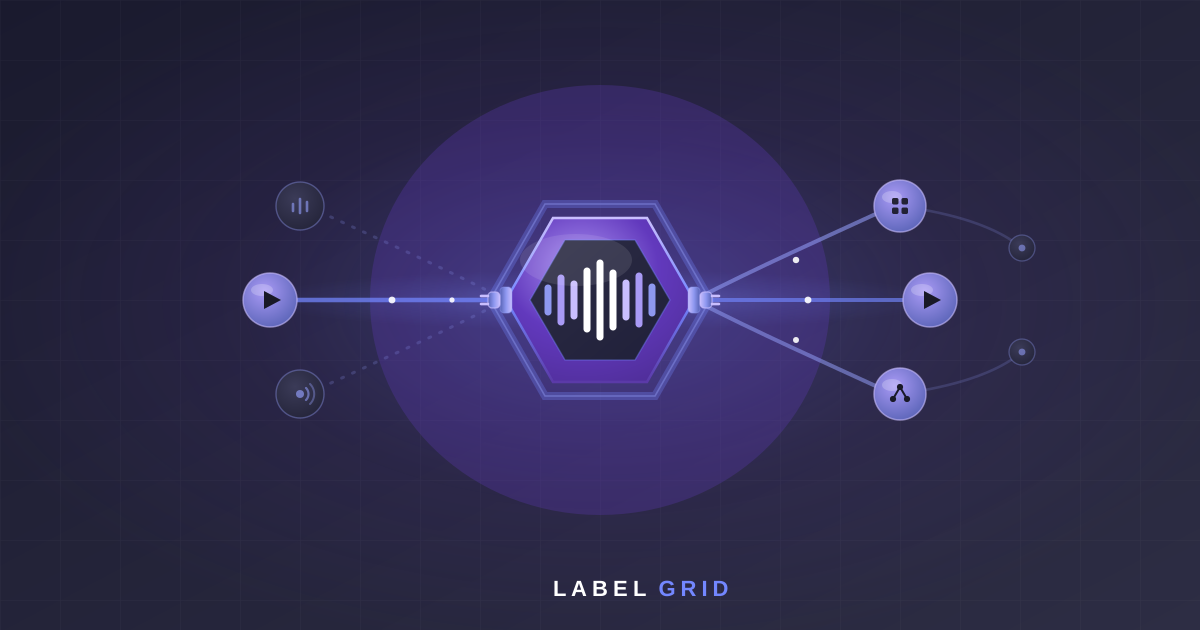
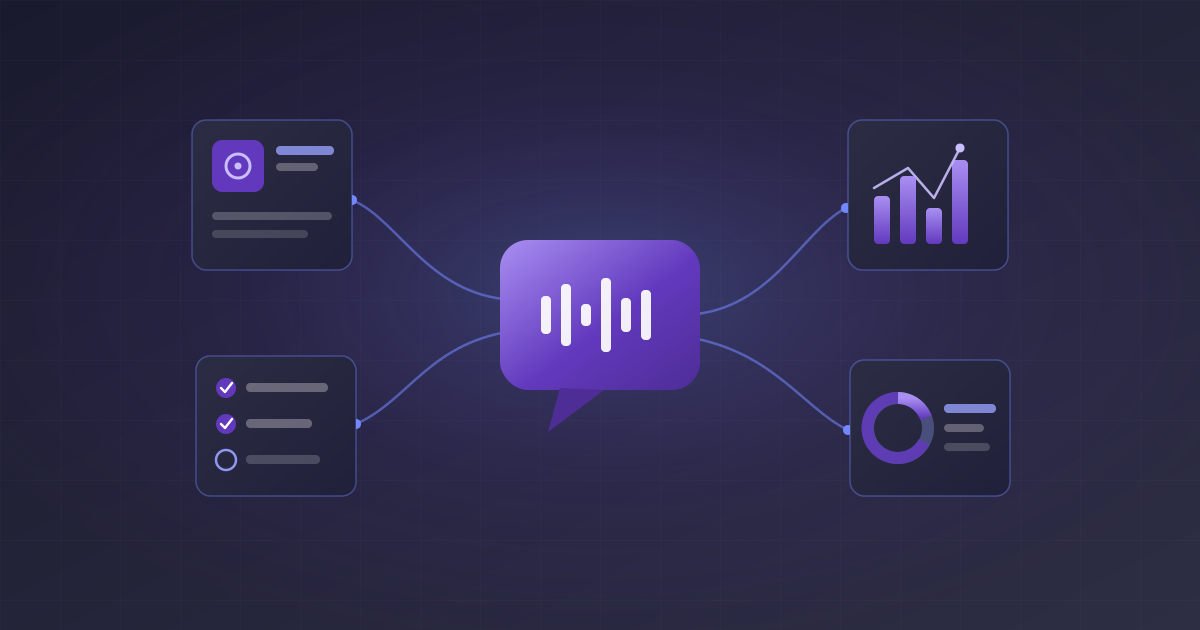
A distribution API exposes the release lifecycle as endpoints. There are four stages, and every integration moves through them in the same order. First, catalog ingestion: you create the labels, releases, and tracks that make up your catalog, and attach the metadata and audio. Second, validation: you check a release against store rules before it goes anywhere. Third, delivery: you distribute the validated release to streaming services and stores. Fourth, readback: you pull analytics and royalty statements so your own system knows what happened after the music went live.
Underneath delivery sits DDEX, the industry standard for describing a release and its audio so a store can ingest it. You almost never touch DDEX directly. The platform generates it from the release you built through the API and speaks it to each DSP for you. That is the point of using a distribution API instead of integrating every store one by one: one release model in, DDEX-compliant delivery to all major DSPs out. LabelGrid’s distribution API covers all four stages, ingestion through statements, under one authenticated surface.
The endpoints you will lean on map cleanly onto those stages:
GET   /api/public/me                        # verify the token, see who you are
GET   /api/public/releases                  # list your catalog
POST  /api/public/releases                  # create a release (ingest)
POST  /api/public/releases/{id}/validate    # check a release against store rules
POST  /api/public/releases/{id}/distribute  # deliver to the DSPs
GET   /api/public/analytics                 # streams and listener data
GET   /api/public/statements                # royalty statements
Treat that list as the skeleton of the whole integration. Everything else is metadata, retries, and reconciliation hung off those seven calls.
How Do You Authenticate?
Authentication is a bearer token on every request. You sign up, generate an API credential, and send it in the Authorization header. There is no demo call to book and no sales gate to clear first. Signup is self-service, the docs are public, and once an API plan is active you can be making authenticated calls the same afternoon. Tokens are generated from your account settings, and you can optionally restrict a token to known IPs. The first call to make is GET /api/public/me, which tells you the token is valid and which account it belongs to:
curl https://api.labelgrid.com/api/public/me
  -H "Authorization: Bearer <token>"
Get that returning a clean response before you build anything else. A working me call proves your credential, your base URL, and your HTTP client are all correct, so any later failure is about the release, not the plumbing. Store the token as a secret, never in source control or a client bundle, and treat it like a password: rotate it if it leaks, and scope separate credentials for sandbox and production so a test run can never touch live catalog. The exact token type, expiry behaviour, and any additional headers are documented in the API reference; don’t guess at them, read them there once and wrap them in a small client.
How Do You Create and Deliver a Release?
Three calls carry a release from nothing to live. You create it, you validate it, and you distribute it:
POST  /api/public/releases                  # 1. create the release + its metadata
POST  /api/public/releases/{id}/validate    # 2. check it against store rules
POST  /api/public/releases/{id}/distribute  # 3. deliver it to the DSPs
The create step is where you spend most of your engineering. A release carries a lot of metadata: title, artists and contributors, release date, label, artwork, and the tracks with their own titles, credits, and audio. The precise fields, formats, and which ones are required are all in the docs, and you should model them exactly rather than approximating. Bad metadata is the single most common reason a release fails later, so validate your own inputs before you ever send them. Check artwork dimensions, confirm every track has audio and an ISRC, and normalise artist names on your side, because catching a problem in your code is far cheaper than catching it in a store rejection.
Make creation idempotent. Network calls fail halfway, and you do not want a retry to produce a second copy of the same release. Use an idempotency key or check for an existing release by your own reference before you create a new one, so a repeated request returns the same release instead of duplicating it. This matters most during a bulk catalog import, where a flaky connection over a few thousand releases will absolutely retry something.
Delivery is asynchronous. When you call distribute, you are queuing a job, not getting an instant answer. The API accepts the request and then the platform packages DDEX and sends it to each store in the background, which can take time. Design for that from the start: fire the distribute call, record that you asked, and then poll the release for its delivery status rather than blocking on a response. Any code that assumes distribution completes synchronously will break the first time a real delivery takes more than a second.
How Do You Handle Validation and Errors?
Validation is a separate step for a reason. Calling POST /api/public/releases/{id}/validate checks a release against store requirements and hands you back what is wrong before you commit to delivery. Always validate before you distribute. A release that fails validation and gets sent anyway wastes a delivery cycle and, worse, can land a rejection at the store that is slower and messier to unwind than a validation error you fixed up front. Build the loop as create, validate, fix, validate again, and only distribute once validation is clean.
Split your error handling by class, because the two classes need opposite responses. A 4xx is your fault: a malformed field, a missing ISRC, artwork that is too small. Retrying it unchanged just fails again, so surface it, fix the data, and resubmit. A 5xx or a network timeout is transient: retry it, but with exponential backoff and a cap, not a tight loop that hammers the API. Combine that with the idempotency key from the create step so a retry after a timeout can’t accidentally duplicate work. Read the actual error codes and their meanings from the docs rather than inferring them, and map each one to a clear action in your own system: retry, fix-and-resubmit, or escalate to a human.
Log every request and response with a correlation id. When a release is stuck three weeks from now, the log of what you sent and what came back is the difference between a five-minute fix and an afternoon of guessing.
How Do You Read Royalties and Analytics Back?
Distribution is only half the loop. Once music is live, you read performance and earnings back so your system reflects reality. Two endpoints cover it:
GET  /api/public/analytics    # streams, listeners, and performance data
GET  /api/public/statements   # royalty statements and earnings
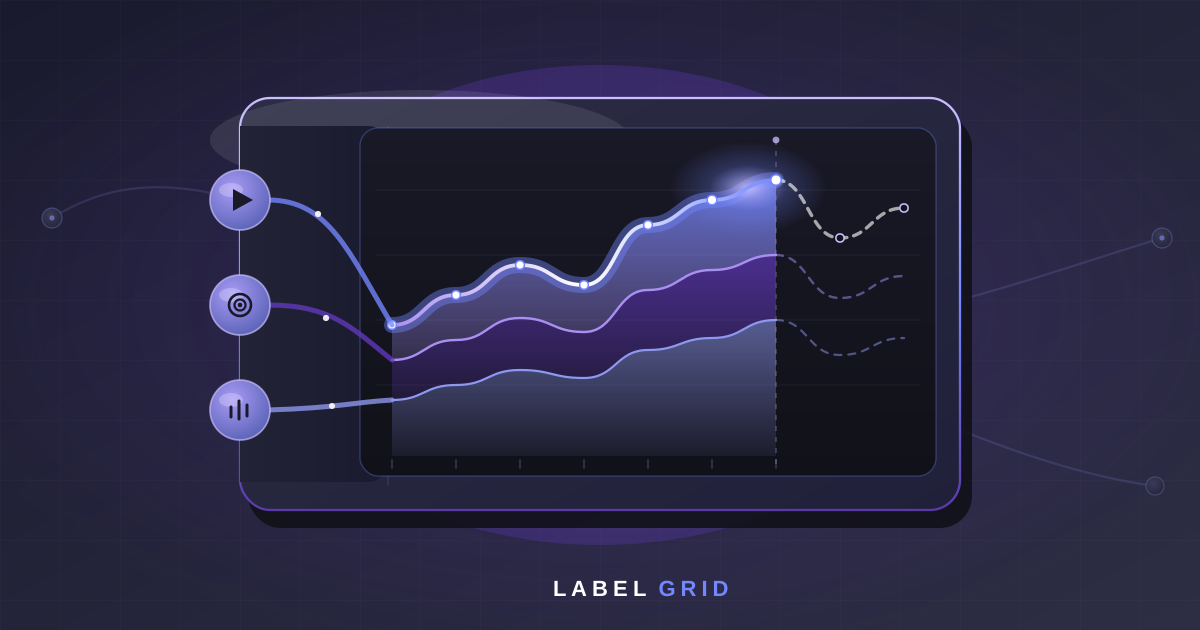
Analytics is for the dashboards and decisions: streams, listener data, and how a release is performing across stores. Statements are for the accounting: what a period actually earned, ready to reconcile against the splits and payouts you owe artists. Pull both on a schedule, store them in your own database keyed to your catalog, and reconcile rather than trusting a single fetch. Reporting data settles over time as stores report late, so treat each pull as the latest picture, not a final one, and let a later fetch correct an earlier estimate.
Expect these responses to be paginated, and page through to completion instead of reading the first page and stopping. For freshness, decide between polling and webhooks based on what you need. A nightly reconciliation job is fine on a poll. If you need to react the moment a delivery goes live or a statement lands, and webhooks are available, subscribe to the event instead of polling every minute. The exact query parameters, date ranges, and response shapes for both endpoints are in the API reference so you can pull exactly the window you need.
How Should You Test in a Sandbox Before Production?
Never build a distribution integration straight against production. LabelGrid provides a sandbox environment alongside the public docs precisely so you can run the full create, validate, and distribute lifecycle without sending anything to a real store. Wire your integration tests against the sandbox from day one, using a separate credential, so a test run can never deliver a half-finished release to Spotify by accident.
Test with adversarial data, not just a clean happy path. Feed the sandbox releases with missing ISRCs, undersized artwork, empty artist names, and bad dates, and confirm your validation-and-retry logic does the right thing with each. A clean release proves the pipeline connects; the broken ones prove your error handling actually works, and error handling is where real catalogs live. Make the sandbox lifecycle part of your test suite so every change to your client is exercised end to end before it ships.
What Should You Build First?
Build a walking skeleton before you build anything wide. The goal of the first milestone is one release going through the entire loop in the sandbox, end to end, so you have proven the whole path before you optimise any part of it. In order:
- Authenticate and get
GET /api/public/mereturning cleanly. - Create one release with real-shaped metadata through
POST /api/public/releases. - Validate it, read the failures, fix the data, and validate until it passes.
- Distribute it in the sandbox and poll the release until delivery reports complete.
- Read analytics and a statement back and store them against your catalog.
Once that skeleton is green, widen it deliberately: bulk catalog ingestion with idempotency, proper backoff and error routing, scheduled analytics and statement syncs, and webhooks if you need lower latency. Resist the urge to build the whole catalog importer before a single release has ever gone live in the sandbox. The integrations that ship on time are the ones that get one release all the way through first, then scale the pattern that already works.
Two things decide how smooth the rest of the build is. Getting your metadata model right, so releases pass validation the first time, and treating delivery and reporting as asynchronous from the start, so nothing in your code assumes an instant answer. Get those two right and a distribution API integration is a well-understood engineering problem. If you are evaluating platforms, the developer overview and the white-label and API docs cover what the surface exposes, and the endpoint reference is public at api.labelgrid.com/docs/api.
Integrate distribution the way developers expect
A public API with a sandbox environment, self-service signup, and DDEX-compliant delivery to all major DSPs. Read the docs, build against the sandbox, ship when you’re ready.
See API PlansFrequently Asked Questions
What is a music distribution api?
A music distribution API is a programmatic interface for getting recordings onto streaming services and stores without a web form. You create labels, releases, and tracks over HTTP, submit each release for validation, trigger delivery to DSPs, and then read streams, listener data, and royalty statements back into your own system. It is the same distribution pipeline a dashboard drives, exposed as endpoints so your software can run it.
Do you need DDEX knowledge to integrate?
Not to get started. DDEX is the metadata-and-audio standard distributors use to deliver releases to stores, and a good platform generates that DDEX for you from the release you create through the API. You work with releases, tracks, and metadata fields; the platform handles the DDEX packaging behind the delivery call. Understanding DDEX helps you reason about why certain metadata is required, but you do not write it by hand.
How long does a music distribution api integration take?
It depends on scope. A minimal integration that creates a release, validates it, and delivers it can be working against a sandbox in a few days. A full production integration with catalog sync, retry handling, analytics reconciliation, and royalty statement imports takes longer, because most of the effort is in modelling metadata correctly and handling the asynchronous and error paths, not in the individual calls.
What can you do with a distribution API?
Catalog ingestion, release validation, delivery and distribution to DSPs, analytics, and royalty statements. In practice that means creating and updating your catalog, checking releases against store rules before you send them, distributing them, and pulling streams and earnings back to reconcile against your own accounting.
Should you poll or use webhooks for delivery status?
Both approaches are valid, and the right one depends on what your platform exposes and how quickly you need to react. Webhooks push a status change to you as it happens and avoid constant polling; polling is simpler to build and fine for background jobs that reconcile periodically. Many teams start with polling for delivery and analytics, then move latency-sensitive events to webhooks if they are available.
Is there a sandbox to test a distribution API?
Yes. LabelGrid provides a sandbox environment alongside its public API documentation so you can exercise the full create, validate, and distribute lifecycle before you touch production. Test with real-shaped but adversarial metadata, not just clean data, so your error handling is proven before a real release depends on it.